Setup
superglue Cloud runs in your browser, with nothing to install. Set up your brain once, and superglue runs your projects with you: it follows your email, chat and meetings, plans the work and tells you what needs you.
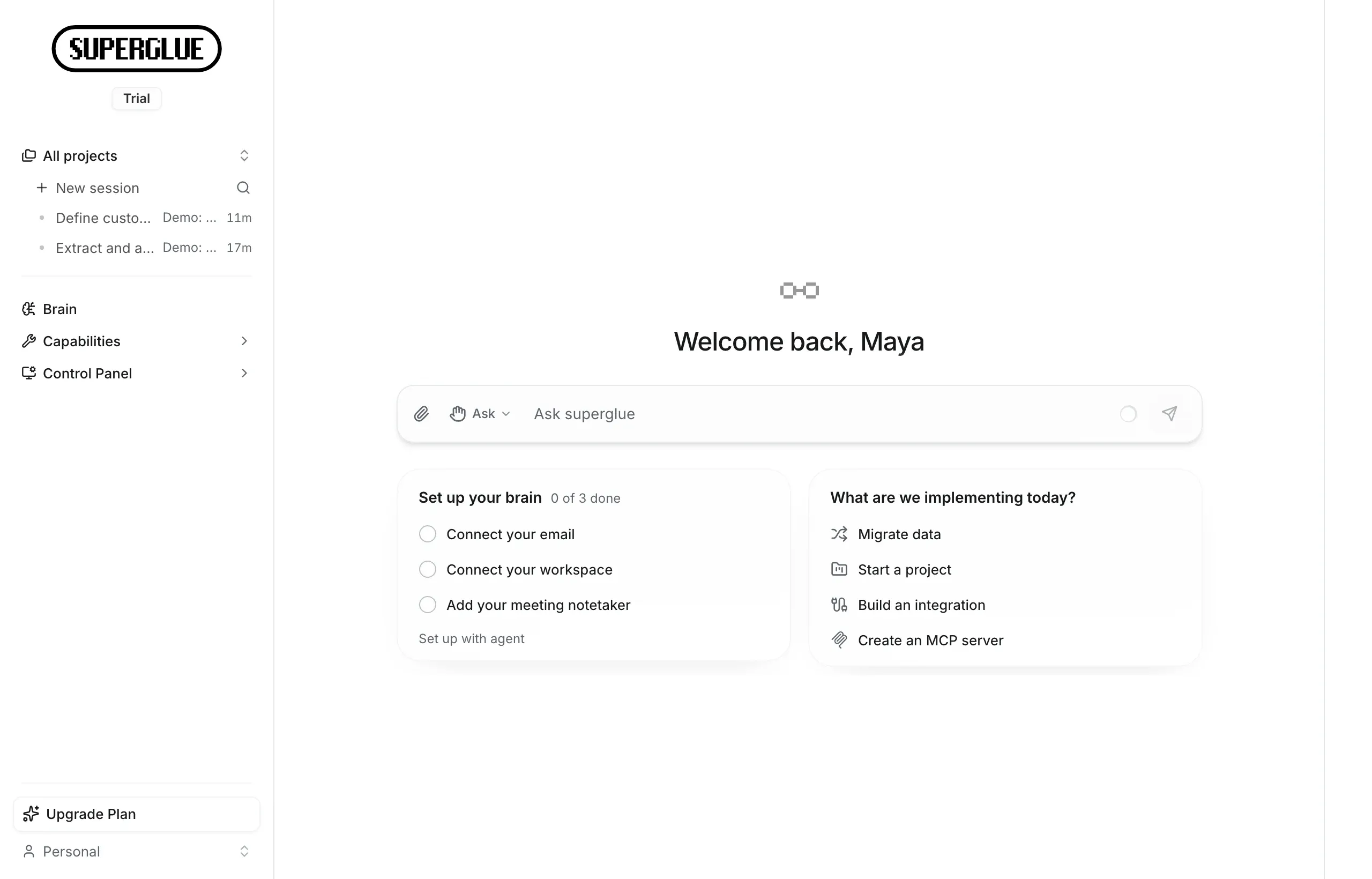
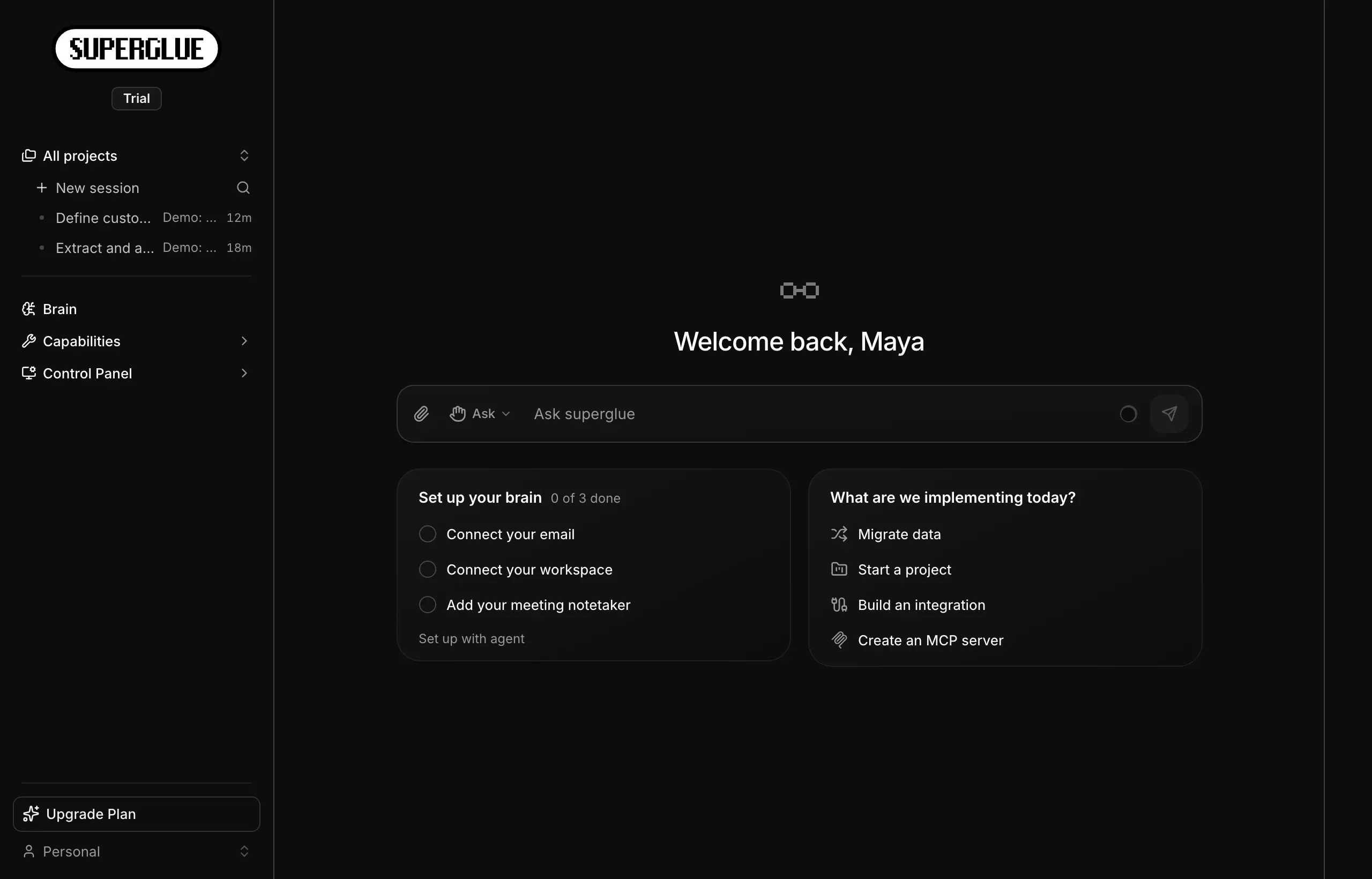
Sign in
Section titled “Sign in”- Sign up at app.superglue.cloud. To talk to the team first, book a demo.
- superglue creates your workspace. On the Team and Enterprise plans, you invite colleagues from Organization.
Try the demo project
Section titled “Try the demo project”On your first visit, superglue asks which systems you work with. It then sets up a demo project for those systems and plays a short walkthrough.
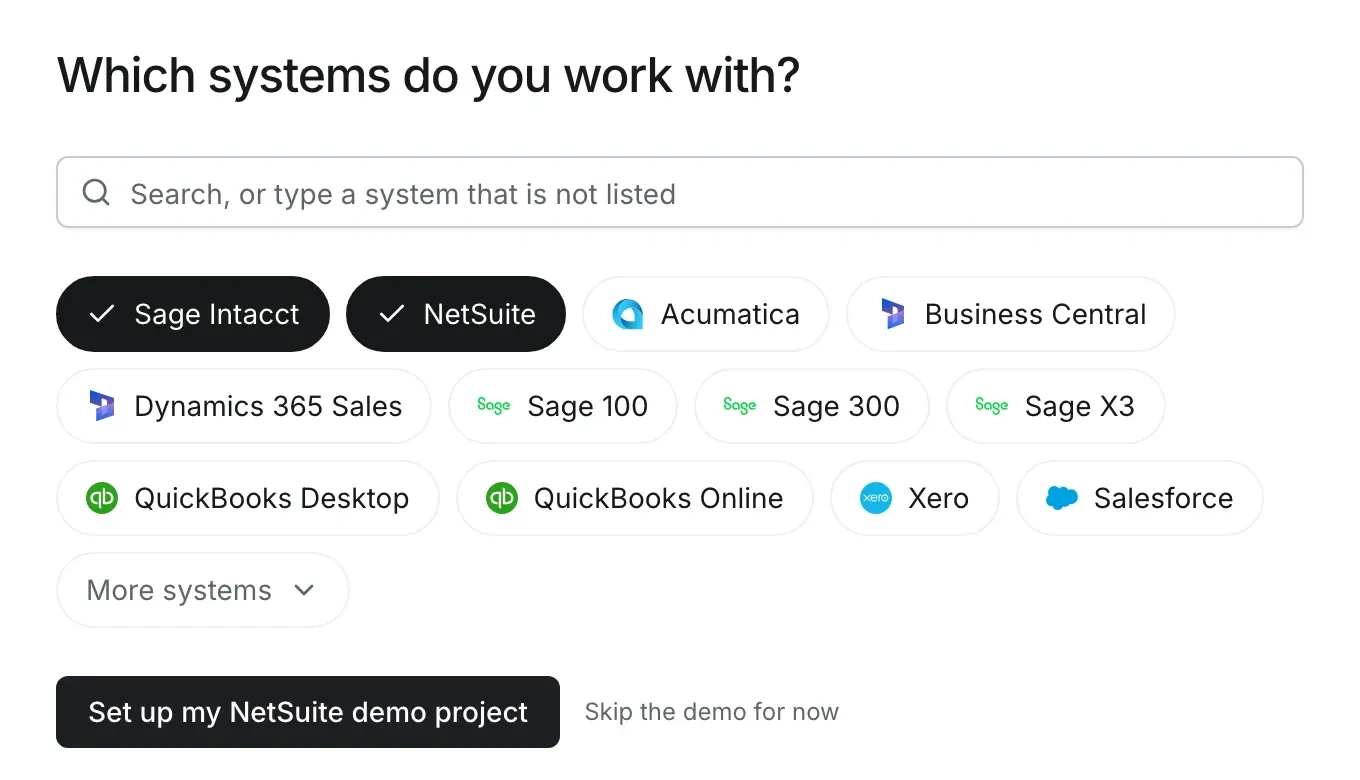
In the demo, superglue moves Northwind Outdoor Supply, a fictional client, to your target system. It follows up until the client signs off and sends you a morning briefing. The demo uses generated data, so it does not touch a real system.
Set up your brain
Section titled “Set up your brain”The brain is everything superglue knows about your work. Connect the places where your projects happen, so the agent knows what was agreed without you briefing it.
- Open Brain and click Set up brain.
- Connect your email: Outlook or Gmail. superglue reads your inbox and does not send email without your approval.
- Connect your workspace, where your team chats, writes documents and tracks work. For example Microsoft Teams, Slack, SharePoint, Google Drive, Notion, Jira or ClickUp.
- Add your meeting notetaker, for example Circleback, Fireflies, Fathom, Granola, Read AI, Otter or Fellow. superglue never joins or records meetings.
- Set up your briefing: the days and the time when superglue tells you what needs your attention.
- Add superglue to Microsoft Teams, so you can work with superglue in Teams chats and project channels.
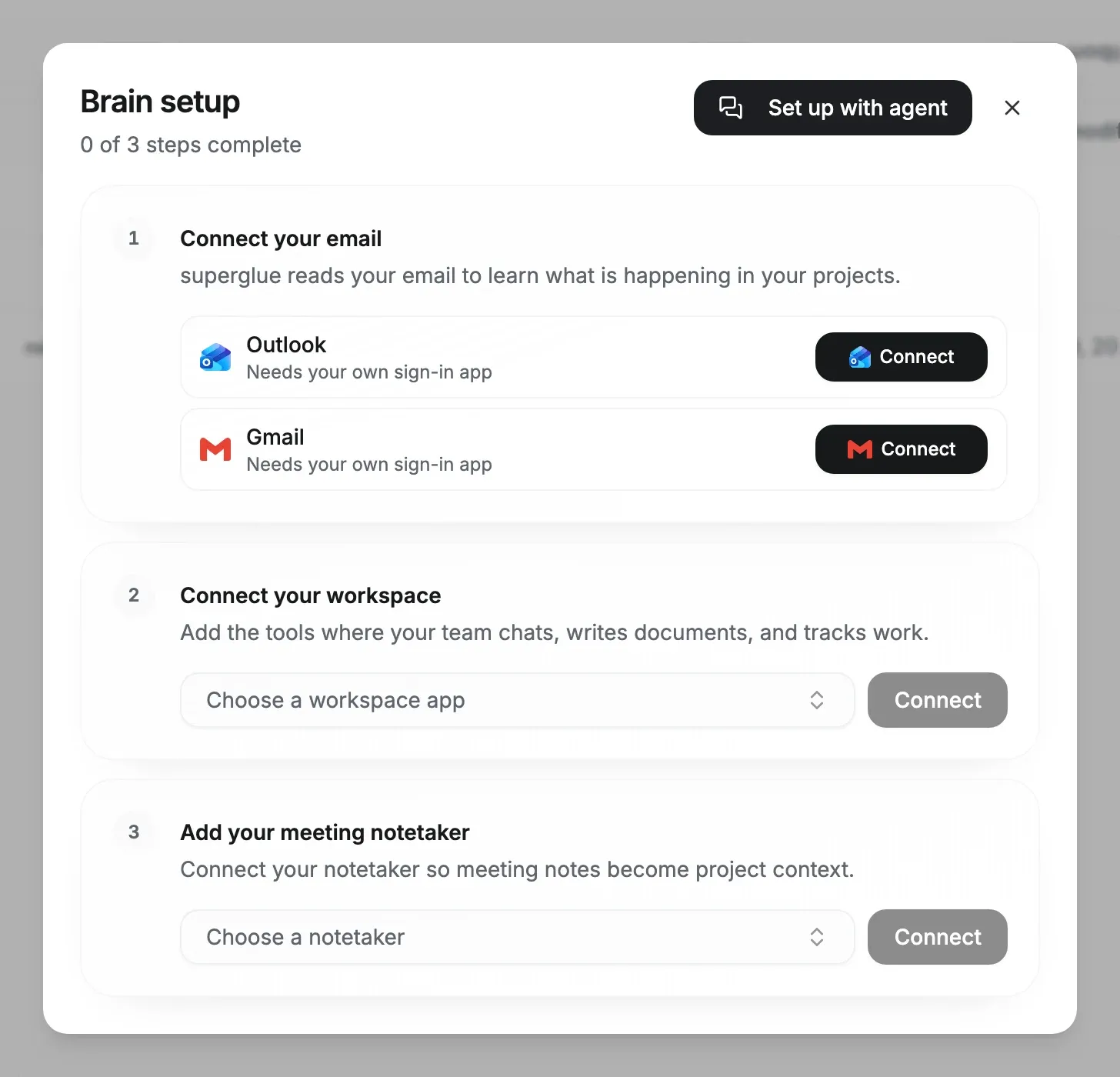
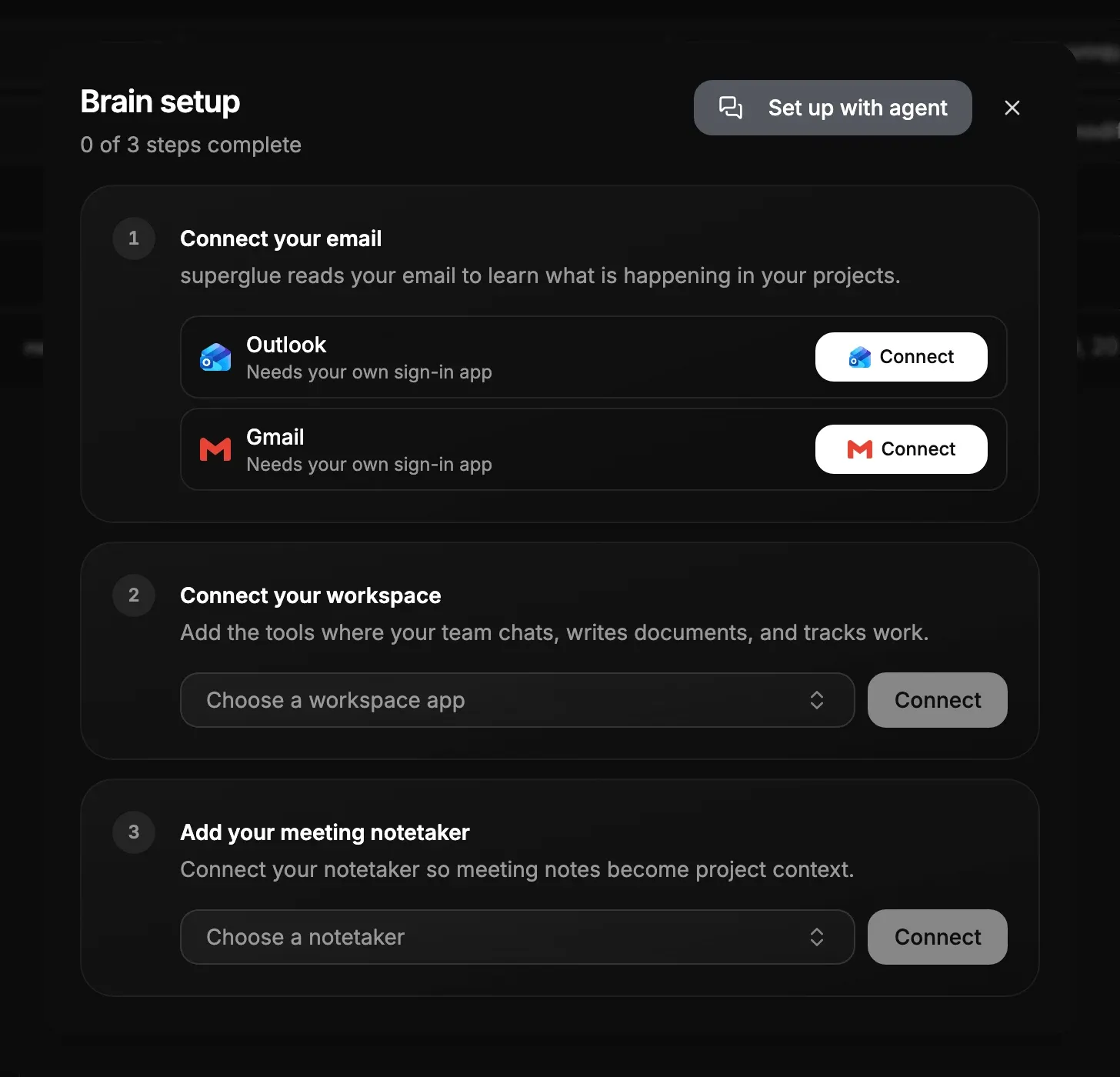
To let the agent walk you through it, click Set up with agent instead. Each colleague connects their own accounts. See Briefings and Microsoft Teams and Project context.
Start your first project
Section titled “Start your first project”When a client engagement starts, create a project. superglue plans it from what it already knows about the engagement.
- On the home screen, click Start a project.
- Describe the engagement: the client, the source and target systems, the scope and the go-live date.
- Review the tasks that the agent drafts, then let it save the project.
From then on, superglue runs the project with you. It prepares the next tasks, and your briefing lists what needs you, with Start to run the prepared work. See Project setup.
Connect the client’s systems
Section titled “Connect the client’s systems”Connect a system when a task first needs it. A sandbox or demo company is the best first connection.
-
Start a session from the task, or click New session.
-
Describe the system and what you need from it:
Connect our Sage Intacct sandbox. I want to see the customer list and the chart of accounts. -
Enter the secret values in the secure form that the agent shows. Do not paste them into the chat.
-
The agent makes a read-only request and shows you the result.
Run a first data assessment
Section titled “Run a first data assessment”A data assessment only reads data, so it is a safe way to see how the agent works on a real system.
-
In the same session, ask in your own words:
Inventory the data in this Intacct sandbox: which modules have records, how many, and anyobvious data-quality issues in customers and vendors. -
When the agent finishes, ask for a report.
-
Download the report as PDF.
Do I need to install anything?
Section titled “Do I need to install anything?”No. superglue Cloud runs in the browser. To run superglue in your own environment, see Self-hosting.
Can colleagues see my email or chats?
Section titled “Can colleagues see my email or chats?”No. Each person connects their own accounts, and superglue reads a source only through the connection of the person who works with it.
What if my team does not use Microsoft Teams?
Section titled “What if my team does not use Microsoft Teams?”Your briefing arrives by email, and the home screen shows the same next steps.
Can I start without connecting a system?
Section titled “Can I start without connecting a system?”Yes. Drop a customer or vendor export from the legacy system into the chat and ask the agent to profile it.
Can the agent change data in my system?
Section titled “Can the agent change data in my system?”Not by default. The agent reads freely, but in the default Ask for permission mode it asks before it changes data, and superglue refuses writes you have not approved. Only a session you switch to Act without asking grants its own permission requests.
Next steps
Section titled “Next steps”- Briefings and Microsoft Teams explains how superglue tells you what needs you.
- Implementation lifecycle explains the full lifecycle and what you approve.
- Navigating the app explains each area of the sidebar.
- Developers and technical consultants can install the CLI and coding-agent skill to work from a terminal.